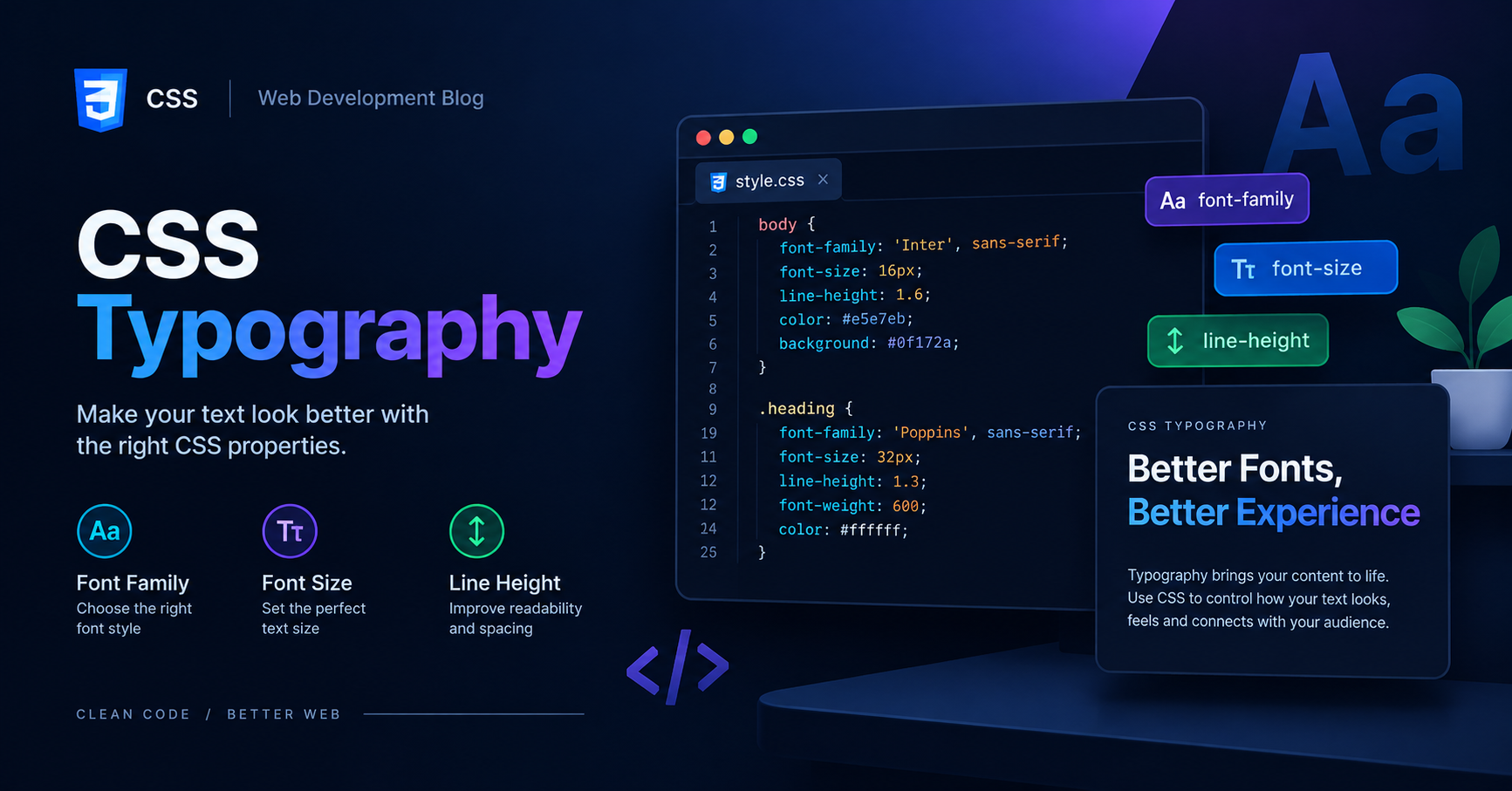
CSS Typography के जरिए अपने web pages के text को attractive और readable बनाना सीखें। Vivaa Technologies के इस guide में font, size और text styling के बारे में जानें।
Typography in CSS Tutorial: Complete Guide for Web Developers
Modern web development में typography का role केवल text दिखाना नहीं बल्कि user experience को enhance करना है। Vivaa Technologies में हमारा हमेशा यही focus रहता है कि students fundamentals को गहराई से समझें। Typography in CSS की मदद से आप अपनी website की readability, hierarchy और aesthetic appeal को पूरी तरह बदल सकते हैं। जब आपकी website का text clean और properly structured होता है, तब users आपकी website पर ज़्यादा समय बिताते हैं। इस detailed guide में हम Typography in CSS से जुड़े सभी essential properties, techniques और best practices को विस्तार से समझेंगे।
Typography in CSS क्या है और यह क्यों Important है?
Typography in CSS का सीधा अर्थ है web pages पर text को style, format और arrange करना। सही typography चुनना आपकी website के design tone को set करता है। यदि font size बहुत छोटा है या line spacing ठीक नहीं है, तो users आपकी website को जल्दी छोड़ देंगे। इसलिए Typography in CSS को समझना हर frontend developer के लिए mandatory है।
Font Family और Fallback Fonts का Use
font-family property का उपयोग करके हम web page पर specific fonts apply करते हैं। Web design में हमेशा fallback fonts का use करना चाहिए ताकि अगर user के system में main font installed न हो, तो backup font load हो सके।
CSS
body {
    font-family: 'Poppins', 'Roboto', Arial, sans-serif;
    font-size: 16px;
    color: #333333;
}
Font Size Units: Absolute vs Relative Units
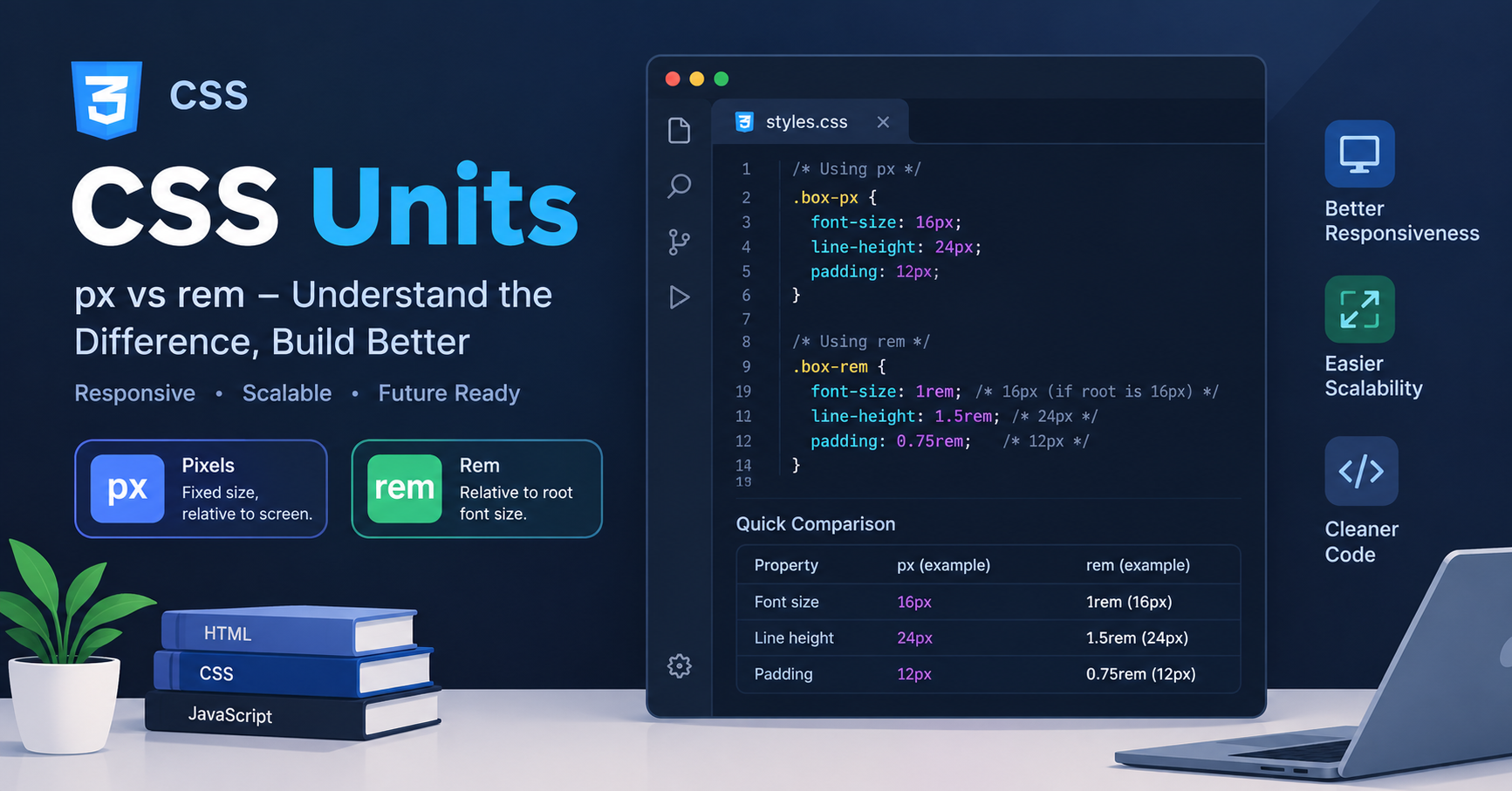
Typography in CSS में font size set करने के लिए सही units चुनना बहुत महत्वपूर्ण है:
Pixels (
px): यह absolute unit है जो fixed sizing के लिए use होती है।rem(Root EM): यह root element (<html>) के font size पर depend करता है और responsive design के लिए best माना जाता है।em: यह parent element के font size के relative होता है।
CSS
h1 {
    font-size: 2.5rem; /* Responsive sizing */
}

p {
    font-size: 1rem;
}
Font Weight, Style और Letter Spacing
Text को hierarchy देने के लिए font-weight और letter-spacing का use किया जाता है:
font-weight: Text की boldness को define करता है (जैसे 400 for normal, 700 for bold)।font-style: Text को italic या normal करने के लिए use होता है।letter-spacing: Characters के बीच की horizontal space को control करता है।
CSS
.main-heading {
    font-weight: 700;
    font-style: normal;
    letter-spacing: 1.5px;
}
Line Height aur Paragraph Readability
line-height property lines के बीच की vertical space को manage करती है। Typography in CSS में अच्छी readability के लिए standard line-height 1.4 से 1.6 के बीच रखी जाती है।
CSS
p {
    line-height: 1.6;
    margin-bottom: 1.5rem;
}
Text Alignment, Transformation, aur Decoration
Text को visually alignment और formatting देने के लिए ये properties काम आती हैं:
text-align: Text कोleft,right,center, याjustifyकरता है।text-transform: Text कोuppercase,lowercase, याcapitalizeमें convert करता है।text-decoration: Headings या links से underline remove करने या customized decoration add करने के लिए use होता है।
CSS
.nav-link {
    text-align: center;
    text-transform: uppercase;
    text-decoration: none;
}
Responsive Typography in CSS Best Practices
Responsive web pages बनाने के लिए Typography in CSS में fluid typography का use किया जाता है। clamp() function का use करके आप minimum, preferred और maximum font size set कर सकते हैं ताकि text हर screen size पर perfectly fit हो।
CSS
h1 {
    font-size: clamp(1.8rem, 4vw, 3.2rem);
}
Typography in CSS को master करके आप किसी भी simple HTML page को एक highly professional और visually pleasing project बना सकते हैं। Vivaa Technologies के साथ जुड़े रहें और web development के advanced concepts को आसान भाषा में सीखते रहें।