HTML में attributes और fallback content आपके web pages को robust और user-friendly बनाते हैं। जानिए इनका सही इस्तेमाल कैसे करें।
HTML Fallback Content और Element Attributes का Complete Guide
जब हम एक web developer के रूप में HTML सीखते हैं, तो हमारा ध्यान आमतौर पर basic tags पर होता है। लेकिन एक professional full-stack developer बनने के लिए यह समझना बहुत जरूरी है कि Element Attributes और HTML fallback content का उपयोग करके web applications को resilient और accessible कैसे बनाया जाता है।
Vivaa Technologies पर हम हमेशा से best practices पर जोर देते हैं। आज के इस article में हम समझेंगे कि attributes क्या होते हैं और HTML fallback content का सही इस्तेमाल कैसे किया जाता है।
HTML Attributes क्या होते हैं?
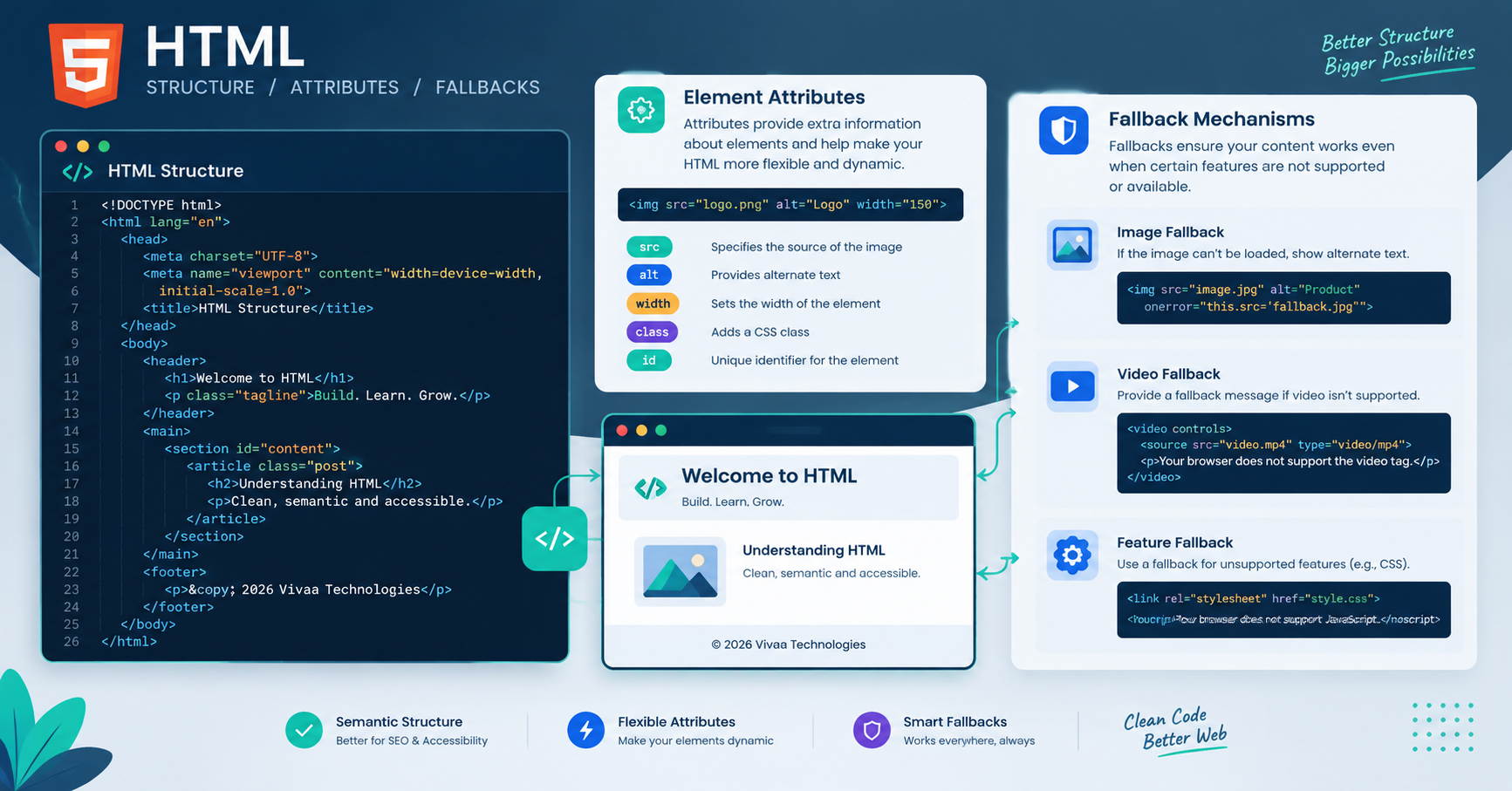
HTML attributes किसी element को extra information या configuration प्रदान करते हैं। यह हमेशा opening tag के अंदर key-value pair के रूप में लिखे जाते हैं।
उदाहरण के लिए:
HTML
<img src="logo.png" alt="Vivaa Technologies Logo" width="150" height="50">
यहाँ src, alt, width, और height सभी attributes हैं जो browser को बताते हैं कि image को कैसे load करना है और यदि image load न हो, तो क्या दिखाना है।
Common और Important HTML Attributes
Full-stack development में कुछ attributes ऐसे हैं जिनका उपयोग रोज़ाना होता है:
Global Attributes: जैसे
id,class,style,title, औरdata-*attributes। ये किसी भी HTML element पर apply किए जा सकते हैं।Form Attributes: जैसे
required,placeholder,readonly, औरdisabledजो user input को control करते हैं।Accessibility Attributes: जैसे
aria-label,role, औरtabindexजो screen readers के लिए web pages को inclusive बनाते हैं।
HTML Fallback Content क्या है और इसकी जरूरत क्यों है?
HTML fallback content वह alternative content होता है जो तब display होता है जब primary content या media किसी कारणवश (जैसे unsupported browser, network failure, या disabled JavaScript) load नहीं हो पाता।
Modern web development में user experience (UX) को बनाए रखने के लिए HTML fallback content का सही implementation बहुत महत्वपूर्ण है।
HTML में Fallback Content के बेहतरीन उदाहरण
आइए कुछ ऐसे elements को देखते हैं जो built-in HTML fallback content support प्रदान करते हैं:
1. The <video> और <audio> Elements
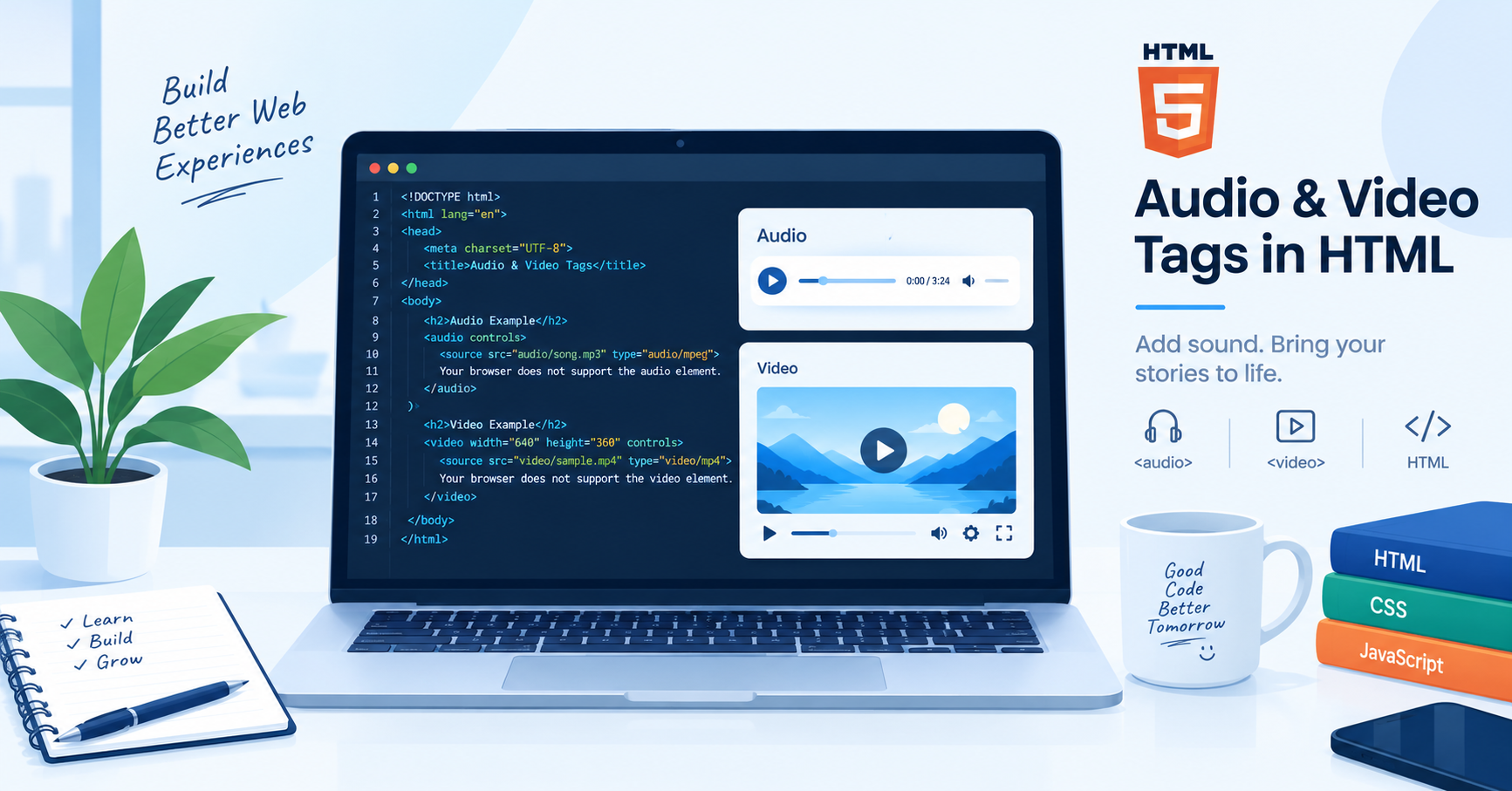
जब आप website पर multimedia embed करते हैं, तो पुराने browsers के लिए fallback text या link देना ज़रूरी होता है:
HTML
<video controls>
    <source src="video.mp4" type="video/mp4">
    आपका browser इस video tag को support नहीं करता है। <a href="video.mp4">यहाँ video download करें</a>।
</video>
2. The <picture> Element
Responsive images के लिए <picture> tag अलग-अलग screen sizes के लिए अलग sources देता है, और आखिरी में एक standard <img> tag HTML fallback content के रूप में काम करता है:
HTML
<picture>
    <source media="(min-width: 800px)" srcset="large.jpg">
    <source media="(min-width: 460px)" srcset="medium.jpg">
    <img src="small.jpg" alt="Responsive Image Example">
</picture>
3. Custom Elements और Shadow DOM Slots
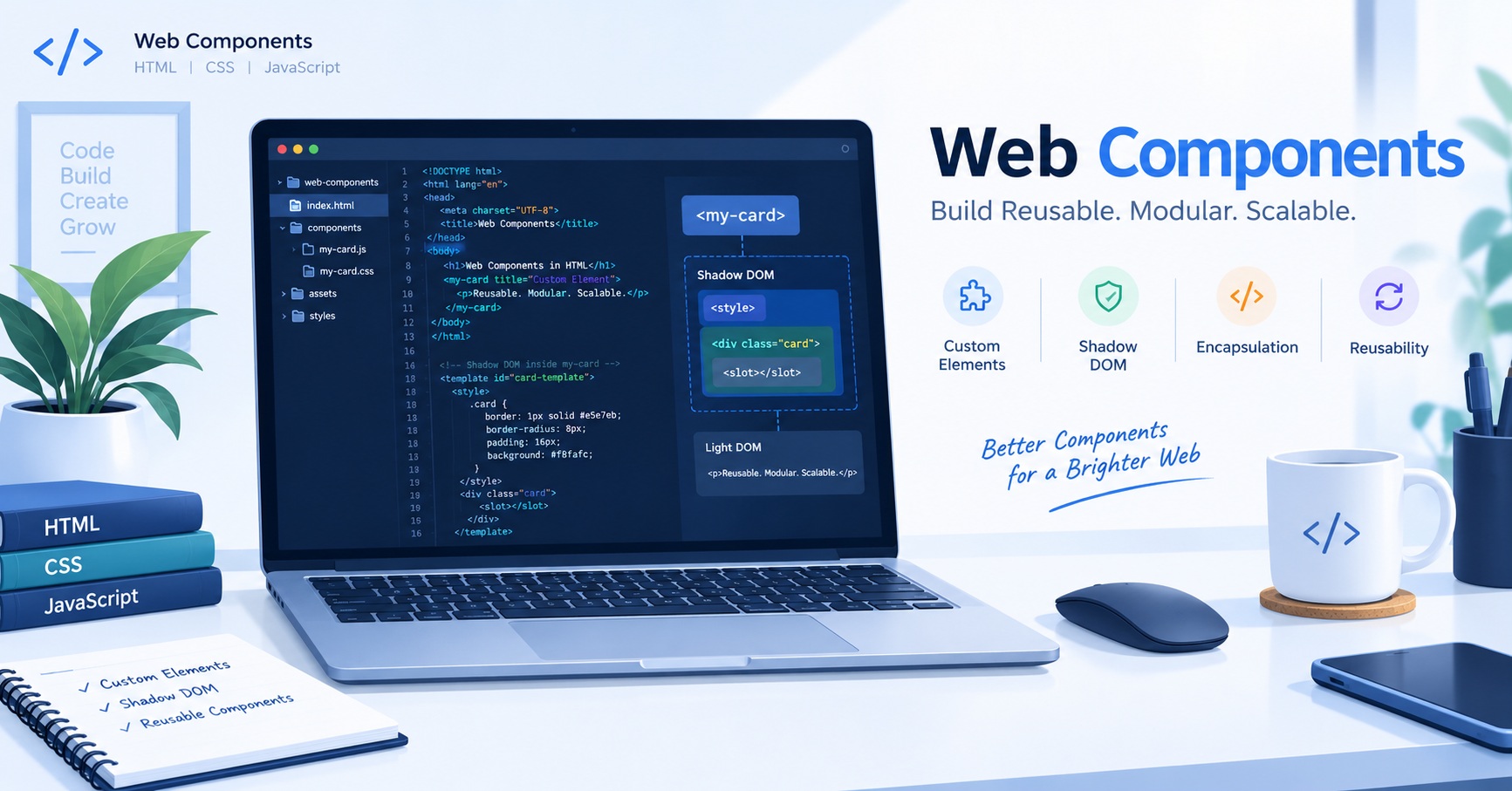
Web Components में slots के अंदर जो content लिखा जाता है, वह default या HTML fallback content की तरह काम करता है यदि user component में कोई custom content पास न करे।
HTML
<template id="my-card">
    <div class="card">
        <slot>यह default या fallback text है यदि slot खाली हो।</slot>
    </div>
</template>
Conclusion
HTML सिर्फ structure बनाने के लिए नहीं है, बल्कि एक robust foundation तैयार करने के लिए है। सही attributes का उपयोग और HTML fallback content का सही तरीके से इस्तेमाल आपके web apps को safe, accessible और professional बनाता है।
Vivaa Technologies के साथ जुड़े रहें ताकि आप ऐसे ही advanced tech concepts को आसानी से सीख सकें। Happy coding!