HTML global attributes हर web developer के लिए essential हैं। इस guide में hidden, contenteditable, tabindex और key attributes के बारे में detail में समझें।
HTML Global Attributes क्या हैं: Web Developers के लिए Complete Guide
जब आप Web Development सीखना शुरू करते हैं, तो HTML elements के बारे में पढ़ना सबसे पहला step होता है। लेकिन क्या आपने कभी सोचा है कि कुछ attributes ऐसे क्यों होते हैं जो लगभग हर HTML tag के साथ काम करते हैं? उन्हें हम HTML global attributes कहते हैं।
At Vivaa Technologies, हमारा मकसद आपको सिर्फ coding सिखाना नहीं, बल्कि industry-standard best practices से रूबरू कराना है। इस blog post में हम HTML global attributes को विस्तार से समझेंगे ताकि आप अपनी full-stack development journey को एक नए level पर ले जा सकें।
HTML Global Attributes क्या होते हैं?
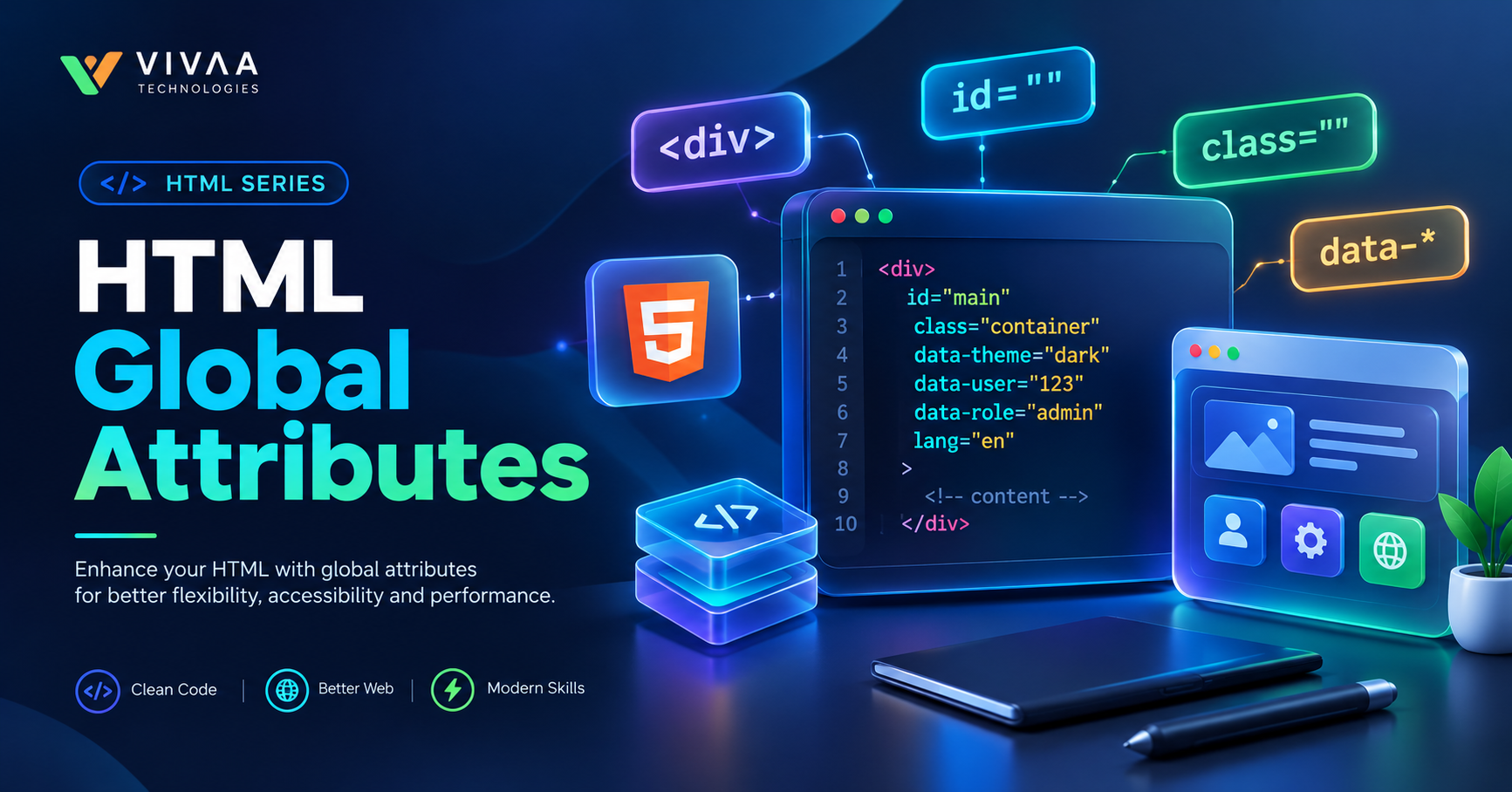
HTML global attributes वो attributes होते हैं जो HTML5 के किसी भी standard element पर apply किए जा सकते हैं। चाहे आप एक <div> use कर रहे हों, एक <p> paragraph, या फिर एक <button>, ये attributes हर जगह valid और functional होते हैं।
ये attributes आपको styling, accessibility, DOM manipulation, और user interaction controls देने में मदद करते हैं।
सबसे Important HTML Global Attributes और उनका Use
चलिए, सबसे ज़्यादा इस्तेमाल होने वाले HTML global attributes को एक-एक करके समझते हैं:
1. id Attribute
ये attribute किसी भी element को एक unique identifier देता है। पूरे HTML document में एक id value सिर्फ एक ही element के पास होनी चाहिए।
Use Case: CSS styling, JavaScript DOM manipulation, और internal page links के लिए।
Example:
HTML
<div id="main-header">Welcome to Vivaa Technologies</div>
2. class Attribute
id के विपरीत, class attribute को एक से ज़्यादा elements पर assign किया जा सकता है। ये multiple elements को एक जैसी styling या behavior देने के लिए इस्तेमाल होता है।
Use Case: CSS framework जैसे Tailwind या Bootstrap के साथ।
Example:
HTML
<p class="text-bold primary-color">Learn Web Development</p>
3. style Attribute
इसका इस्तेमाल inline CSS supply करने के लिए किया जाता है। हालांकि, production level code में इसका इस्तेमाल कम से कम करने की सलाह दी जाती है ताकि code maintainable रहे।
Example:
HTML
<h2 style="color: blue; font-size: 20px;">Full Stack Web Development</h2>
4. title Attribute
ये attribute element के बारे में extra information provide करता है। जब user mouse pointer को उस element पर hover करता है, तो एक tooltip के रूप में ये text दिखाई देता है।
Example:
HTML
<button title="Click to submit your assignment">Submit</button>
5. hidden Attribute
ये एक Boolean attribute है। जब ये किसी element पर add किया जाता है, तो browser उस element को page पर render नहीं करता।
Use Case: Dynamic forms या tabs में content को show/hide करने के लिए।
Example:
HTML
<div hidden>इस content को browser display नहीं करेगा</div>
6. contenteditable Attribute
ये एक बहुत ही powerful attribute है जो किसी भी normal HTML element को user के लिए editable बना देता है।
Use Case: Rich-text editors या quick inline editing features बनाने के लिए।
Example:
HTML
<div contenteditable="true">आप इस text को browser में directly edit कर सकते हैं।</div>
7. tabindex Attribute
Web Accessibility (a11y) के लिए tabindex सबसे महत्वपूर्ण attribute है। ये decide करता है कि Keyboard के Tab key press करने पर elements किस order में focus होंगे।
tabindex="0": Element को natural tab flow में शामिल करता है।tabindex="-1": Element को tab flow से हटा देता है लेकिन JavaScript से focusable रखता है।tabindex="1"(या greater): Custom tab order set करता है (जिसको ज़्यादातर avoid करना चाहिए)।
8. data-* Attributes (Custom Data Attributes)
आप अपने custom attributes बना सकते हैं जो HTML element में extra metadata store करने के काम आते हैं।
Example:
HTML
<div data-user-id="101" data-role="admin">User Profile</div>
HTML Global Attributes क्यों ज़रूरी हैं?
Accessibility (a11y): Attributes जैसे
tabindexऔरtitlescreen readers और keyboard users के लिए website accessible बनाते हैं।SEO और Clean Code: Proper attributes का use करने से search engines आपके web page के structure को बेहतर तरीक़े से समझते हैं।
JavaScript Integration: Data attributes और IDs के माध्यम से dynamic functionality add करना आसान हो जाता है।
Conclusion
HTML global attributes web development की बुनियाद हैं। उनका सही ज्ञान आपको एक बेहतर, efficient और accessible web application बनाने में मदद करता है। अगर आप MERN Stack या Full-Stack Web Development में अपना career strong करना चाहते हैं, तो Vivaa Technologies के hands-on courses के साथ अपनी journey आज ही शुरू करें।